Team List
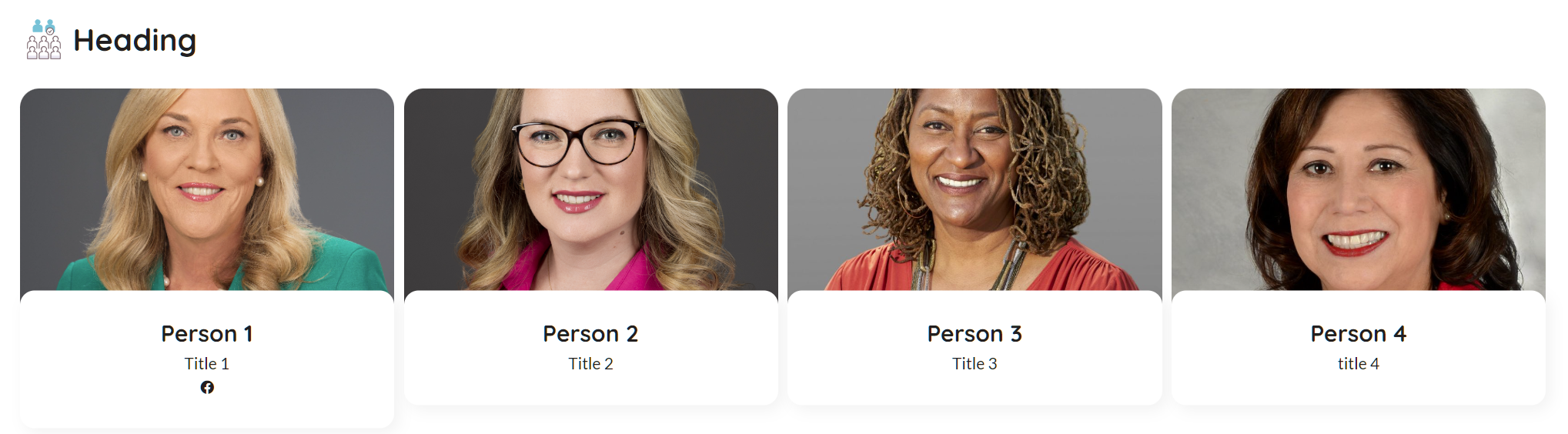
The team list is designed to list out team member or staff. Each team item will display a name, title image and optional social media links.
You can add widgets to any page or news item where widgets are supported. You can also change the order of widgets by clicking and dragging the widget title to the desired location.
How to add a widget to a page
To get started, simply select the Add page widget button and select the Content box with promo image widget.

Once selected, find the widget you wish to add to a page and select the widget, after selecting the widget options window will open, allowing you to configure the widget.
📄️ Team Member
Each team member can have an name, title, image and social icons.
📄️ Settings
The settings section allows you to configure how the widget will work and display for the end users.